 How-to
Garage Door Remote Not Working: Your Step-by-Step Fix
Last Updated: November 19, 2026
Quick Summary
When a garage door remote stops working suddenly, test the wall button first: if it opens the door, the opener is fine and the fault is the remote battery, its programming, or signal interference. Replace the battery, re-sync the remote, then check the opener's power and antenna.
- If the wall button works but the remote does not, the problem is the remote, its battery, or the signal.
- A fresh battery that does not fix the remote means check battery orientation, dirty contacts, or reprogramming.
- When every remote and keypad quits at once, suspect opener power, the outlet, the antenna, or the receiver.
- Some LED bulbs emit radio-frequency noise that blocks remote signals; remove them and retest.
- Call a technician when the wall button also fails, the opener has no power, or you see a broken spring.
Table of Contents
- Start Here: A Safe Diagnostic Decision Tree for a Dead Remote
- Garage Door Remote Not Working but Wall Button Works
- Garage Remote Not Working After New Battery: What to Check Next
- All Garage Door Remotes Stopped Working at Once
- Garage Door Not Opening With Remote or Keypad: Signal and Interference Checks
- Tampa Heat, Humidity, and Salt Air: Why Remotes Fail Here
- Repair or Replace? When to Call a Tampa Garage Door Technician
- Request Same-Day Remote and Opener Service
- Frequently Asked Questions
Start Here: A Safe Diagnostic Decision Tree for a Dead Remote
A garage door remote that suddenly stops working is usually a battery, signal, or programming problem, not a dead opener. A simple check before anyone touches a screwdriver often reveals a fix that is smaller than you fear.
Here is the short version. Press the remote while watching the opener. No light, no sound? Suspect the remote or its battery. The opener clicks but the door stays put? Look at the safety sensors and the door's balance. Nothing happens at all, even from the wall button? That points to power or the opener itself.
Work through these checks in order:
- Test the wall-mounted button.
- Replace the remote battery.
- Re-sync the remote to the opener.
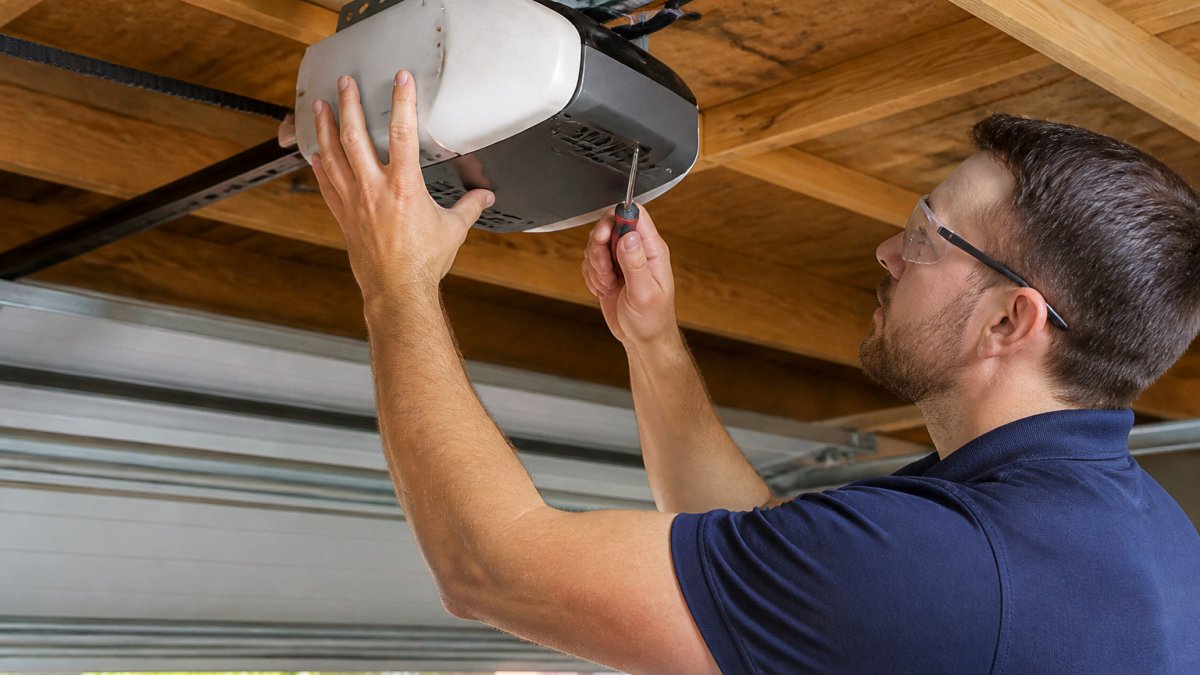
- Check the opener's power and antenna.
- Look for signal interference.
Most stranded homeowners find their answer in the first three steps. If you want the full walkthrough before you start, our DIY garage door troubleshooting guide covers what is safe to handle yourself and what needs a pro.
What to Do Right Now If You're Stranded Outside
First, do not force the door. Pulling or prying a locked door can bend panels and turn a small repair into a big one.
Try the keypad. If it works, the remote is the problem, not the opener.
Next, check the manual release. Most openers have a red cord hanging from the trolley. Pull it down firmly to disconnect the door from the opener, then lift the door by hand. This gets you inside safely.
If the door will not budge or the spring looks broken, stop. Call for help. Our emergency garage door repair line answers until 9pm across Tampa Bay, and a real person picks up.
Garage Door Remote Not Working but Wall Button Works
If the wall button opens the door but the remote does not, the opener is fine. The problem lives in the remote, its battery, or the signal between them. This is the most common scenario we see.
That narrows your list fast:
- Dead or weak battery. Replace it first.
- Remote lost its programming. Re-sync it to the opener.
- Blocked antenna or interference. Check the wire and nearby devices.
- Failed remote. A spare remote or a new one solves it.
The wall control is your best diagnostic tool. It proves the motor, sensors, and safety reverse all work. From there, you only need to fix the remote side.
Garage Remote Not Working After New Battery: What to Check Next
A fresh battery that does not fix the remote usually means one of three things: the battery is in backwards, the contacts are dirty, or the remote needs reprogramming. Check all three before you buy a new remote.
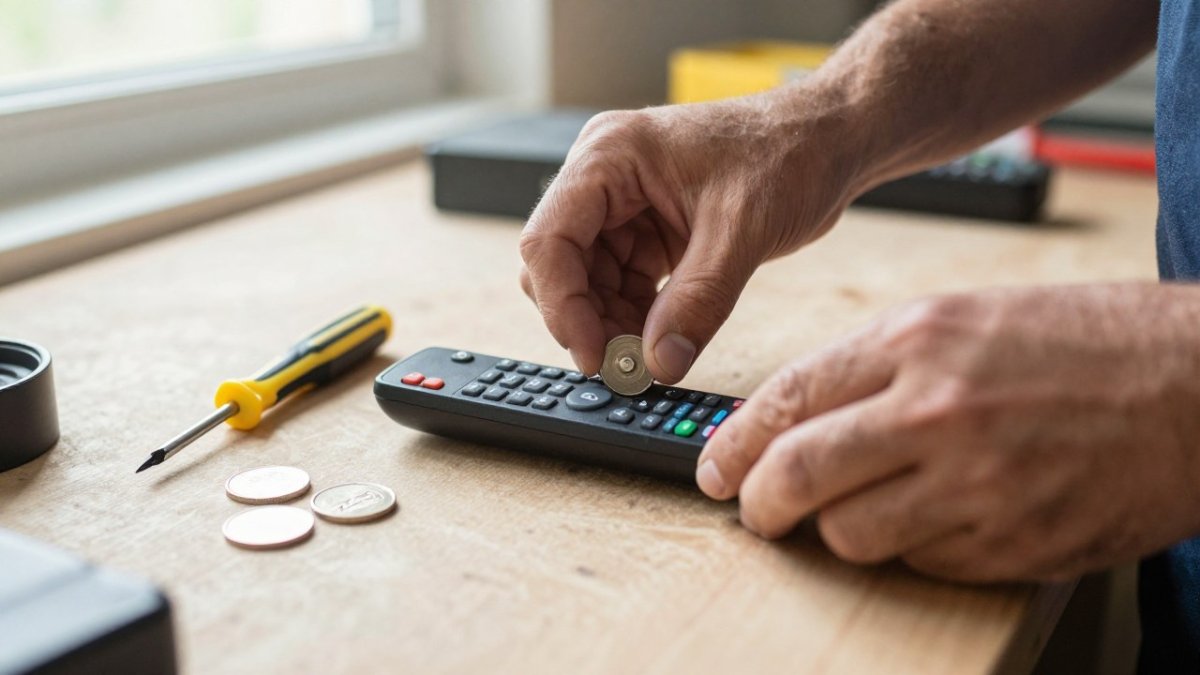
Start with the battery itself. Coin cells have a clear plus and minus side. Flip it and test again.
Then look at the contacts. Corrosion or grime blocks the connection. A cotton swab and a little rubbing alcohol clean them up.
Next, press and hold each remote button. Does a small light blink? If nothing lights up, the remote may be dead.
Finally, reprogram it. Every opener brand has its own pairing steps, and model-specific programming matters here. Check your opener's manual or the label inside the motor housing.
If the remote still will not respond, it may be time for service. Our garage door opener repair team handles chain, belt, screw, and smart WiFi openers with free estimates.
All Garage Door Remotes Stopped Working at Once
When every remote quits at the same moment, the remote is not the culprit. The opener, its power, or its receiver is. This is a different problem with a different fix.
Check these in order:
- Power. Is the opener plugged in? Has a breaker tripped?
- The outlet. Test it with a lamp or phone charger.
- The antenna. A bent or disconnected antenna wire kills range for every remote.
- The receiver. A power surge can fry the receiver board.
Look at the opener's lights. No lights at all means no power is reaching the unit. A blinking or odd light pattern often points to a board or logic fault.
This is where DIY usually ends. A receiver or board problem generally needs a qualified technician. If your opener is old and failing, replacement can be more practical than chasing the fault.
Garage Door Not Opening With Remote or Keypad: Signal and Interference Checks
A garage door that ignores both the remote and the keypad often has a signal problem. The opener is receiving commands poorly, or something nearby is drowning out the signal. Range and interference are the usual suspects, but the symptom pattern tells you which one you are dealing with.
Start with the symptom split. Test the remote from directly in front of the door, then from the end of the driveway, then from inside the garage. If it works only at close range, you have a range problem: weak battery, antenna placement, or a receiver that is losing sensitivity.
Antenna position. The antenna wire on most openers is a thin wire hanging from the motor head or a short lead on the receiver board. It should hang straight down and be clear of metal. A wire that is coiled, taped to the rail, or tucked behind metal siding or a foil-backed wall will lose range.
LED bulbs. Some LED bulbs emit radio-frequency noise that blocks the remote signal. This is a well-documented issue with certain brands and models, and it is easy to test: remove the bulbs from the opener's light sockets, or swap them for shielded or incandescent bulbs, and try the remote.
Metal and walls. Metal siding, foil-backed insulation, and thick masonry walls cut range. If your opener is in a detached garage or behind a metal wall, the remote may need to be closer than you expect. This is a placement issue, not a repair.
Nearby devices. Baby monitors, WiFi routers, cordless phones, and even some smart home hubs can crowd the signal. Move them away from the opener and test. A router sitting on a shelf next to the opener is a common culprit.
The remote itself. Clean the remote buttons. Sticky or dirty buttons can send a weak or stuck signal. If the remote has a small LED, watch it when you press a button. No light usually means a dead battery or a failed remote.
Model-specific receiver checks. Pairing and receiver behavior vary by opener brand and model. Before you reset anything, find the model number on the label inside the motor housing or on the back of the opener.
Watch out: Do not press and hold the learn button on the opener for an extended period unless your manual tells you to. On some models that clears all paired remotes and keypads, and you will have to reprogram every device.
A remote that works intermittently or only at close range usually has a weak battery or a signal problem, not a dead opener.
Tampa Heat, Humidity, and Salt Air: Why Remotes Fail Here
Tampa's climate can be hard on garage door parts. Heat, humidity, and salt air can speed up wear on batteries, contacts, and opener electronics.
What we see most:
- Corroded battery contacts from humid air, especially near the coast.
- Weakened batteries that fade faster in the heat.
- Rust and corrosion on opener terminals and antenna connections.
- Sun-baked remotes left on a hot dashboard.
A little prevention goes a long way. Keep a spare remote inside, away from heat. Wipe down contacts when you change the battery. If you live near the water, having the opener checked during routine service can help catch corrosion before it causes a failure.
Repair or Replace? When to Call a Tampa Garage Door Technician
Call a technician when the wall button also fails, when the opener has no power, or when you see a broken spring or bent track. Those are not remote problems, and they are not safe to fix yourself. A trained tech can tell you in minutes whether it is a repair or a replacement.
Here is how we think about it:
| Symptom | Likely Cause | DIY or Pro? |
|---|---|---|
| Wall button works, remote does not | Remote battery or programming | DIY |
| Every remote and keypad dead | Opener power or receiver | Pro |
| Opener clicks, door stays put | Sensors or door balance | Pro |
| Grinding noise, uneven door | Worn gears or springs | Pro |
| Remote works only up close | Antenna or interference | DIY, then Pro |
Repair makes sense when the opener is newer and the fault is small. Replacement makes more sense when the unit is old, noisy, or failing in more than one way. Our team can walk you through the warning signs in our guide to signs your garage door opener is on its last legs.
Request Same-Day Remote and Opener Service
A dead remote is a small problem until you are locked out and late for work. That is when fast, honest service matters. At Trinity Garage Door Service, we have served Tampa Bay since 2007 as a family-owned, licensed, bonded, and insured team. We use local technicians, not call centers, and provide upfront pricing before any work begins.
We serve 6 counties and 133 zip codes, with same-day service often within hours.
Ready to stop guessing? Request your opener repair and tell us what the door is doing.
A remote that suddenly quits does not have to ruin your morning. Check the battery, re-sync the remote, and test the wall button first. If the opener is the problem, do not force it. Reach out to Trinity Garage Door Service for same-day help across Tampa Bay, backed by upfront pricing, local technicians, and a team that has kept doors moving since 2007. Get started with Trinity Garage Door Service and get your garage working again today.
Frequently Asked Questions
Why did my garage door remote suddenly stop working?
The most common causes are a dead or poorly seated remote battery, lost pairing with the opener after a power surge, or signal interference from LED bulbs or nearby electronics. Less often, the opener's receiver or antenna has failed. Work through the checks in order: battery first, then re-sync the remote, then test the wall button to see whether the problem is the remote or the opener itself.
Does unplugging the garage door opener reset remotes?
Unplugging the opener for about 30 seconds clears its logic board and can resolve glitches, but it usually does not erase paired remotes. On most models, remotes stay in memory through a power cycle. If remotes still fail after the opener reboots, the issue is more likely the remote battery, pairing, or interference rather than the opener's memory.
What should I do if all my garage door remotes stop working?
When every remote fails at once, the fault is almost always at the opener, not the remotes. Check that the opener has power, look for a tripped GFCI outlet, inspect the antenna wire hanging from the motor head, and test the wall button. If the wall button works but no remote does, the receiver or a shared interference source is the likely culprit, and a technician can test the receiver directly.
When should I call a garage door technician for a remote problem?
Call a technician if you have replaced the battery, re-synced the remote, and checked for interference and the remote still fails, or if the wall button also stops working. Opener receiver faults, damaged antenna wires, and logic board failures need professional diagnosis.